
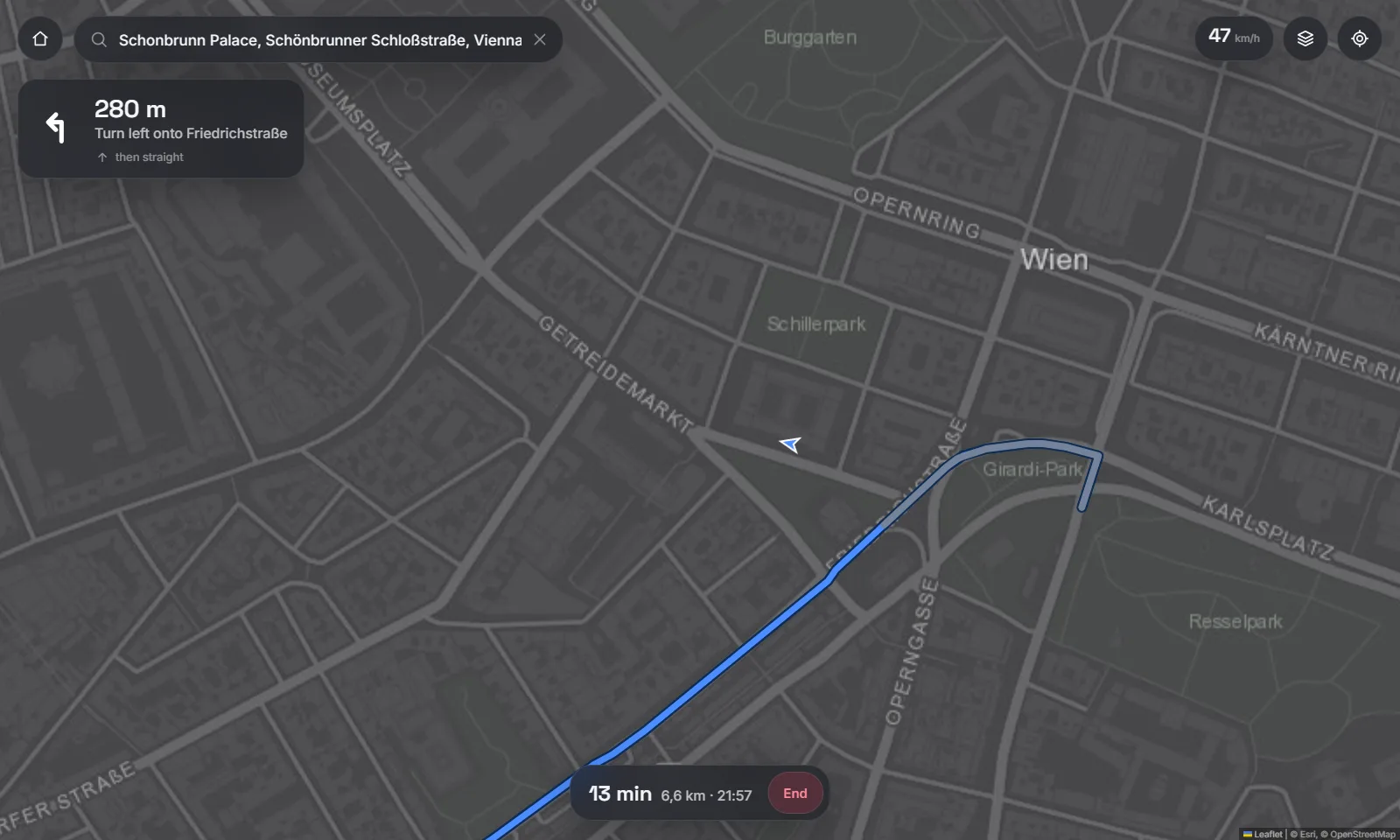
Maps & navigation
Live GPS from the phone, search as you type, real road routing with turn cards and arrival time.
CarHey · for Tesla
YouTube, phone mirroring, maps and widgets in the Tesla browser — served straight from your Android phone. No box, no jailbreak, no API keys.
How it works
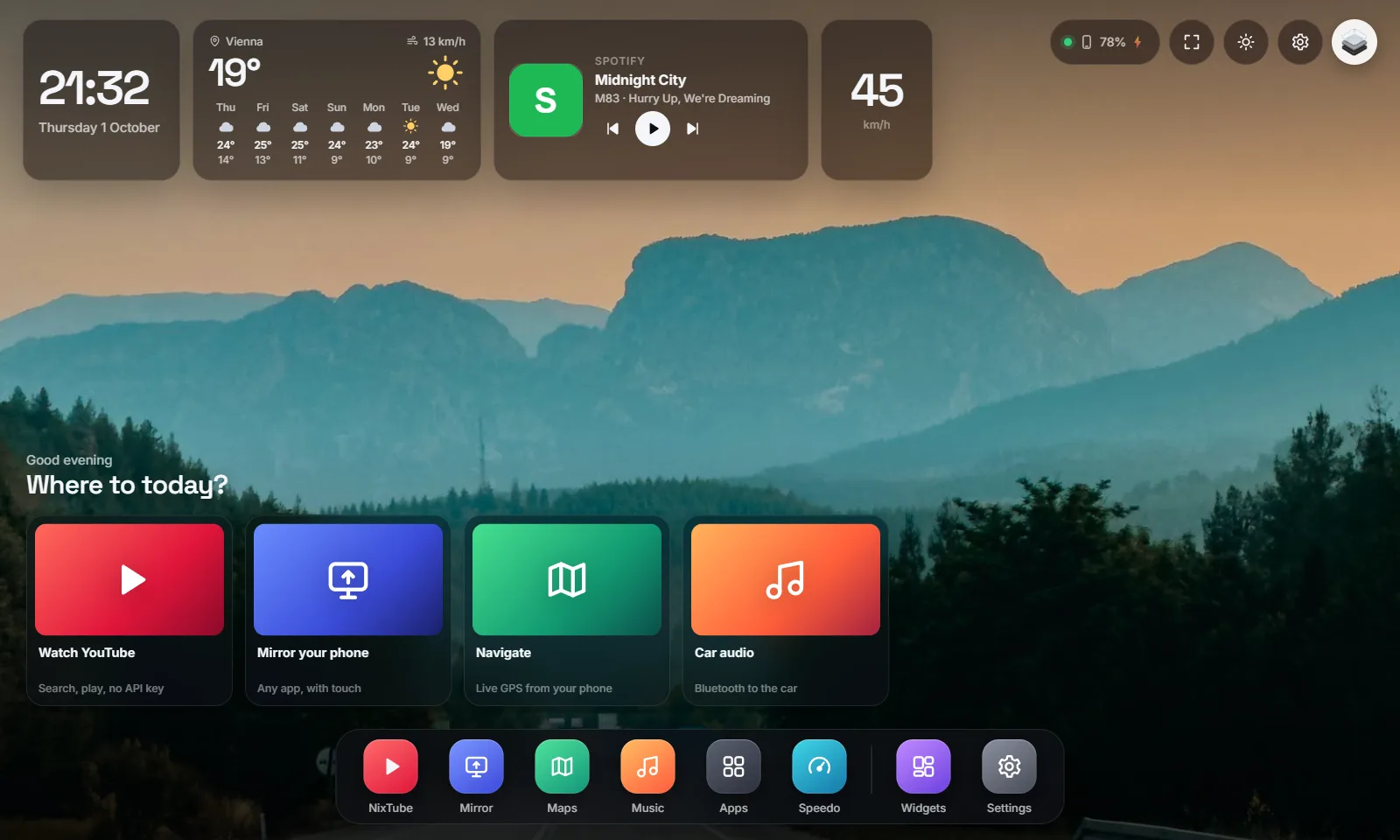
The phone is the server. The car is the screen. They talk over the phone’s own hotspot, so nothing sits in between.
One tap starts a small web server on the phone. It keeps running in the background with the screen off.
Your Tesla connects to the phone like any Wi-Fi network. Car and phone now sit on the same private network.
The page finds your phone and opens the dashboard. Or scan the QR code in the app — no account, no sign-in.
NixTube
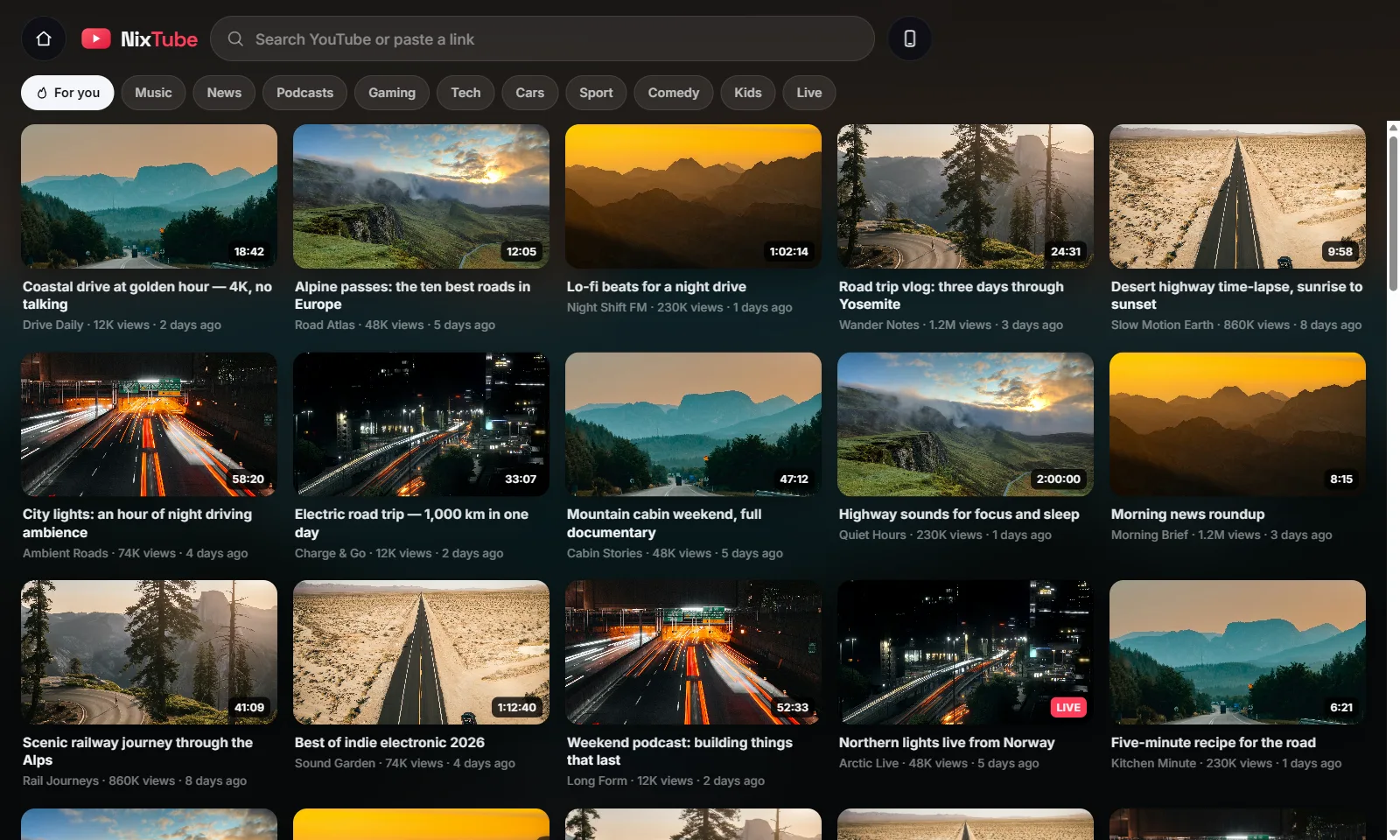
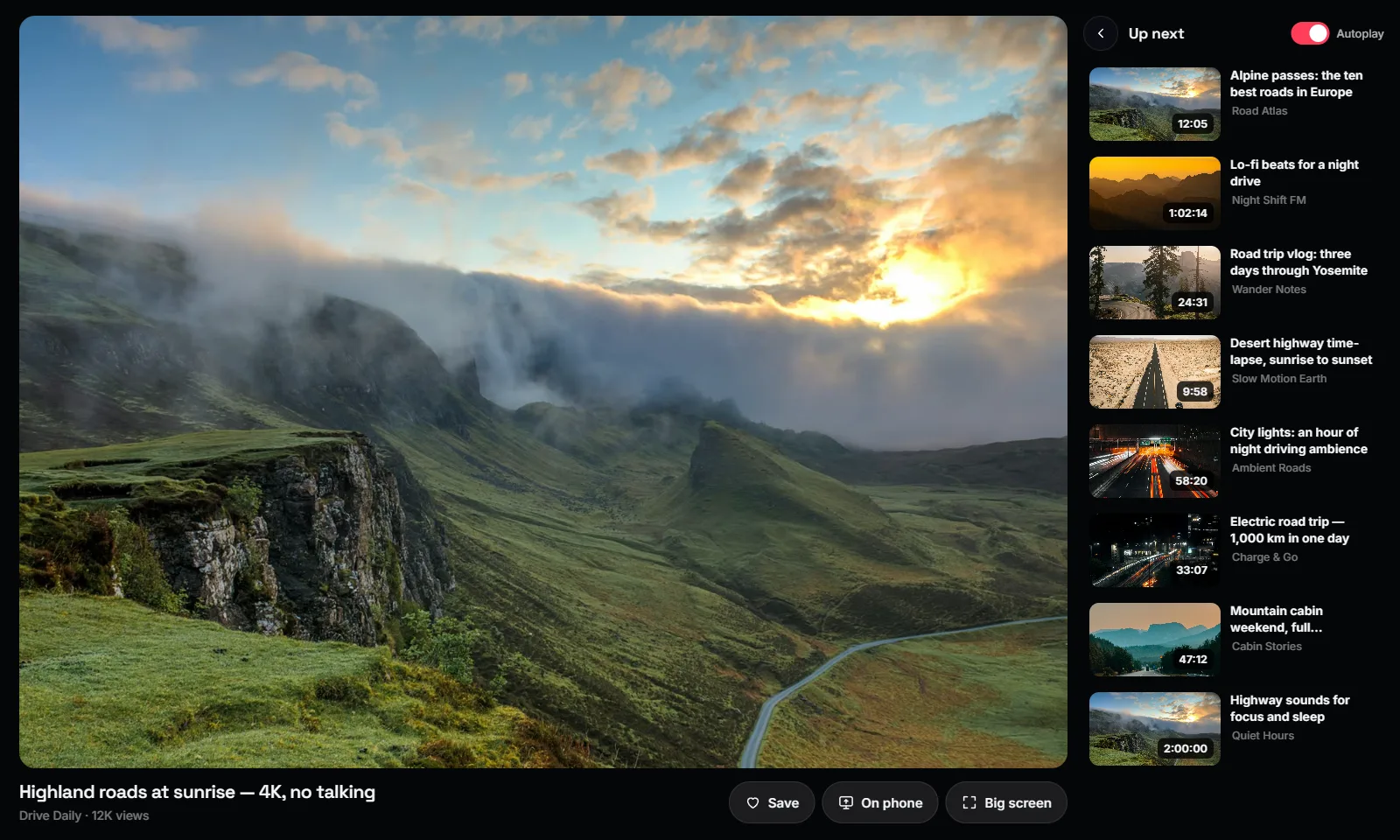
A big-screen YouTube made for touch: search with suggestions, categories, an up-next queue with autoplay, and a one-tap hand-off to your phone.
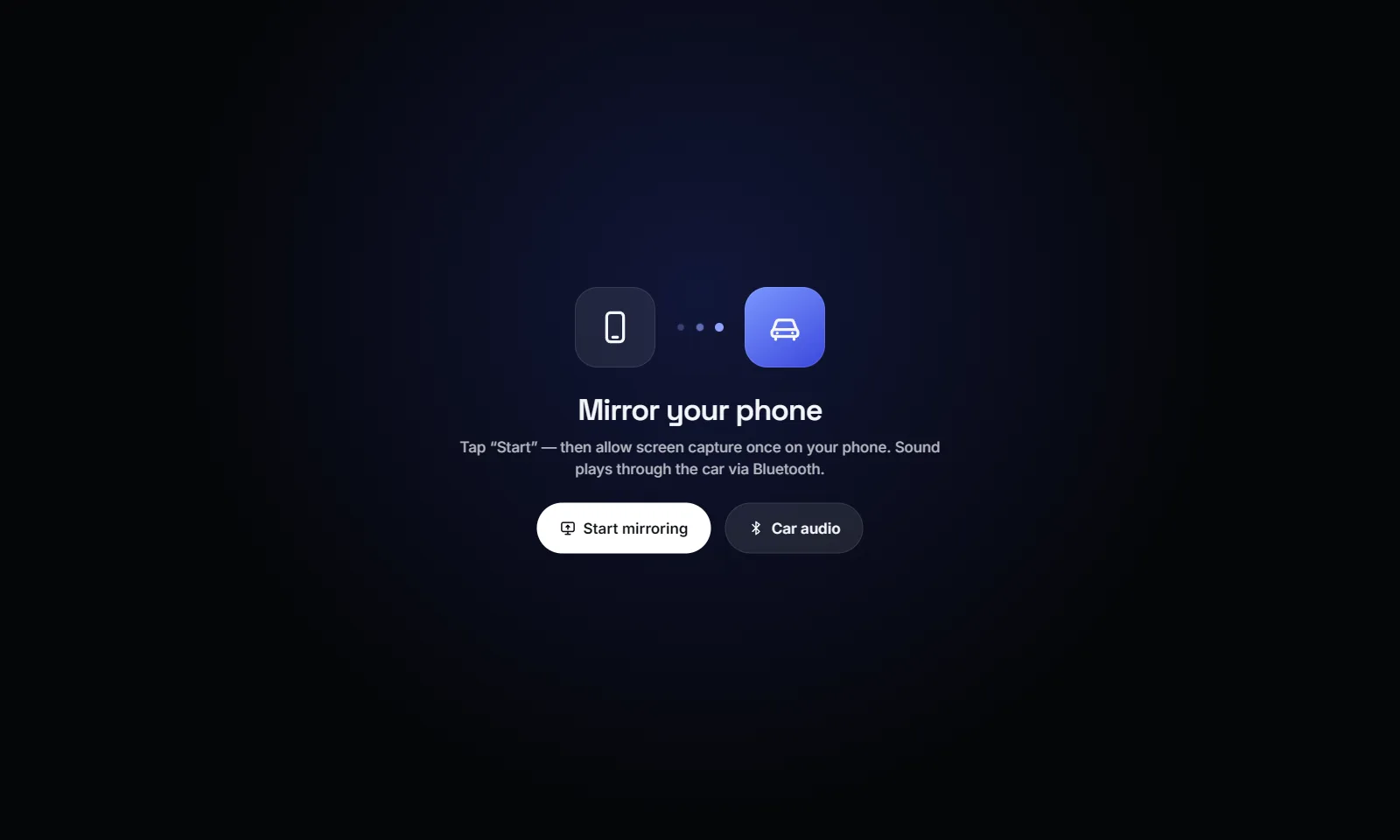
Mirror
When something isn’t a web app, mirror it. CarHey streams the phone screen to the car and sends your touches back.
And the rest
Live GPS from the phone, search as you type, real road routing with turn cards and arrival time.
Now playing from any app on the phone, with controls, plus a picker that routes sound to the car.
Clock, local weather and a seven-day forecast, speed and phone battery — on a wallpaper you choose.
A full-screen speedometer with heading, top speed, distance and drive time.
0
accounts, API keys or subscriptions needed to start
1
phone — it is the server, the GPS and the sound system
10 min
the longest anything is stored in the cloud: your hotspot address
Questions
No. NixTube reads search results the same way youtube.com does and plays every video through YouTube’s official embedded player. Sign-in is optional and happens inside YouTube itself.
The dashboard, NixTube, maps and widgets do. Mirroring shows the phone’s actual screen, so the screen has to stay on while you mirror.
Nowhere new. The dashboard is served by your phone over the hotspot. The only cloud piece is car.btalabs.dev, which stores your phone’s private hotspot address for ten minutes so the car can find it.
Android 8 or newer with a hotspot, and any Tesla with the in-car browser. Other cars with a modern browser work too — CarHey is just a web page.
Video is for passengers and for when you are parked. CarHey shows a reminder when video plays while the car is moving. Follow your local laws.
CarHey is an independent project by BTA Labs. It is not affiliated with, endorsed by or sponsored by Tesla, Inc. or Google LLC. YouTube is a trademark of Google LLC; Tesla is a trademark of Tesla, Inc.
CarHey is in private testing. Want to hear when it ships?